How to pay from any crypto wallet
If you already have Bitcoin in a crypto wallet, paying for your Apollo Group TV subscription is straightforward. Scan the QR code or paste the address, send the exact amount, and your subscription activates automatically. This guide works with any Bitcoin wallet — hardware wallets, mobile wallets, desktop wallets, and browser extensions.
What you need
- Any Bitcoin wallet with sufficient balance
- An Apollo Group TV account
Step-by-step instructions
Open your wallet
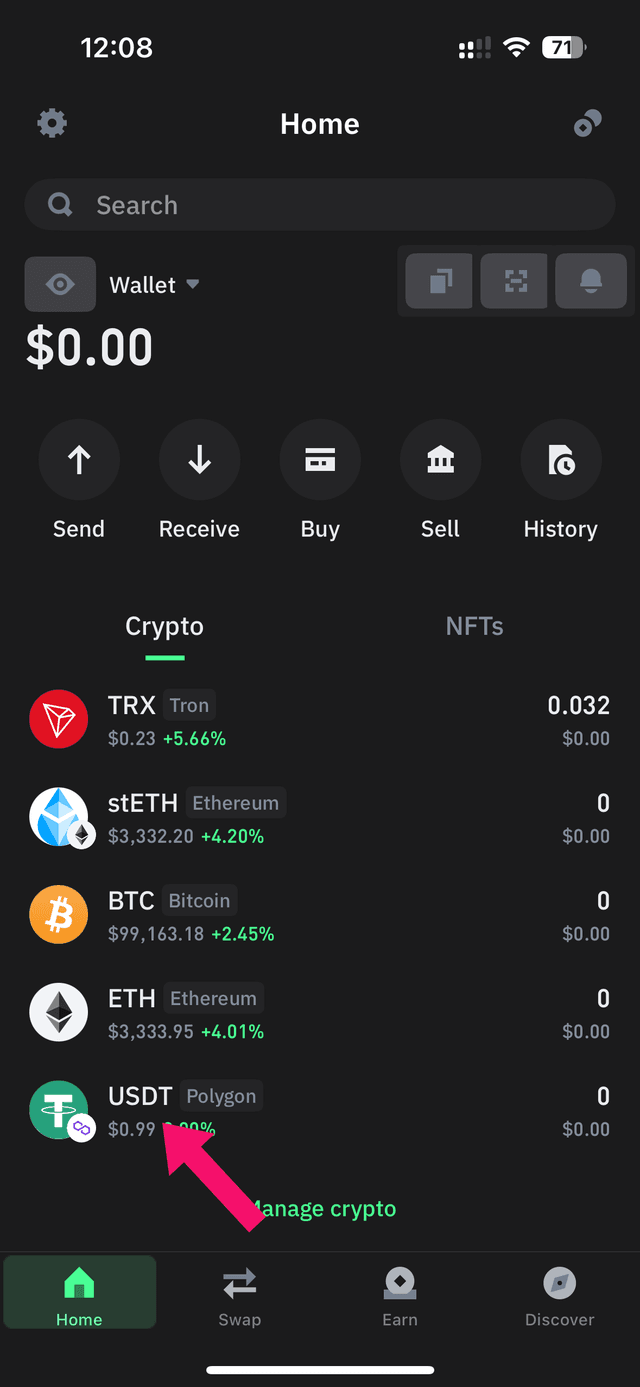
Open your crypto wallet
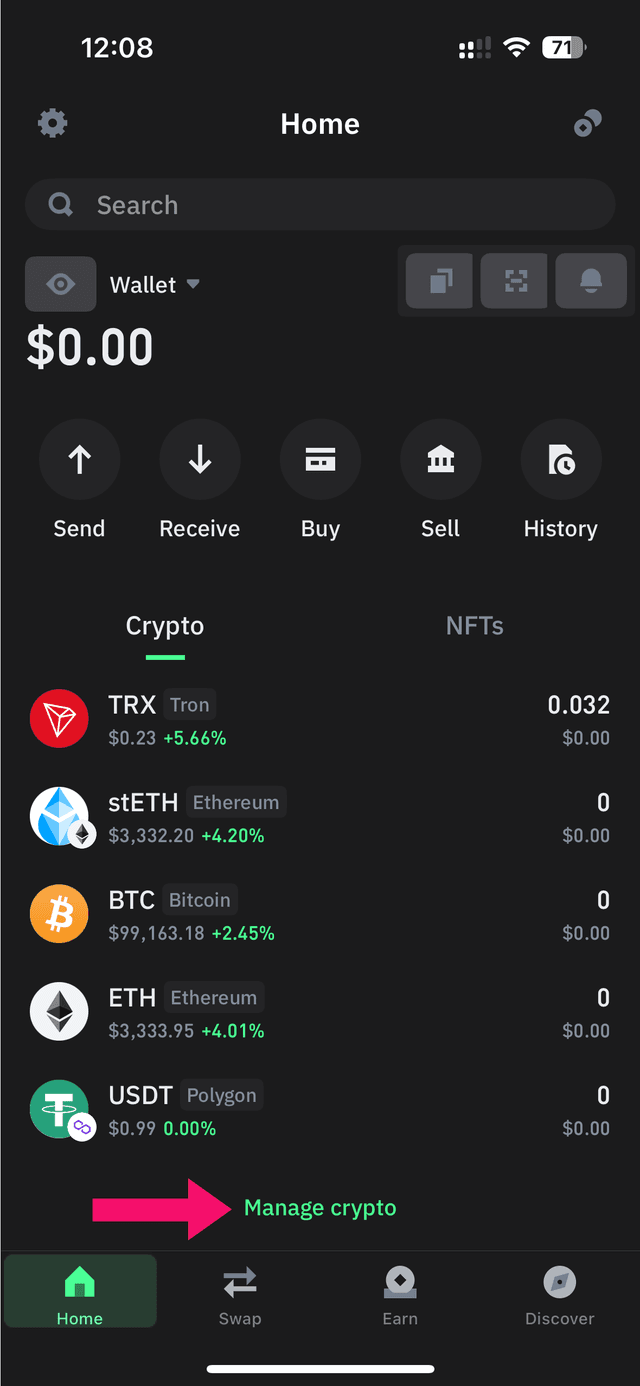
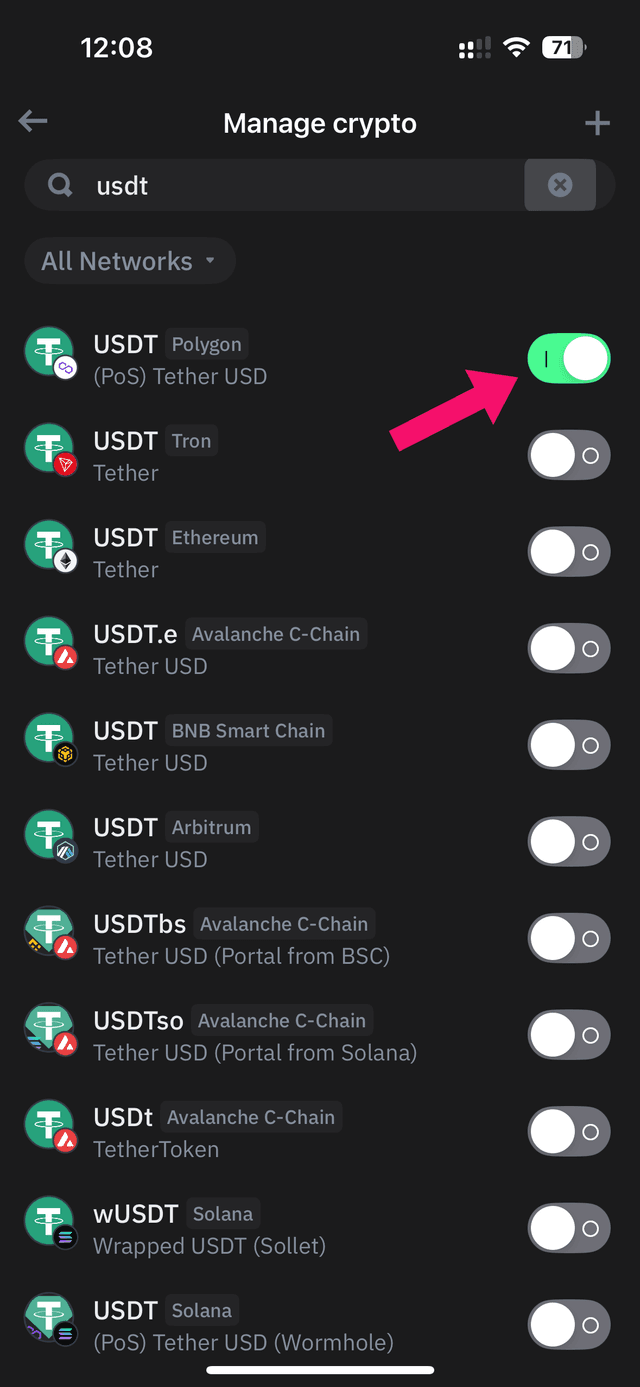
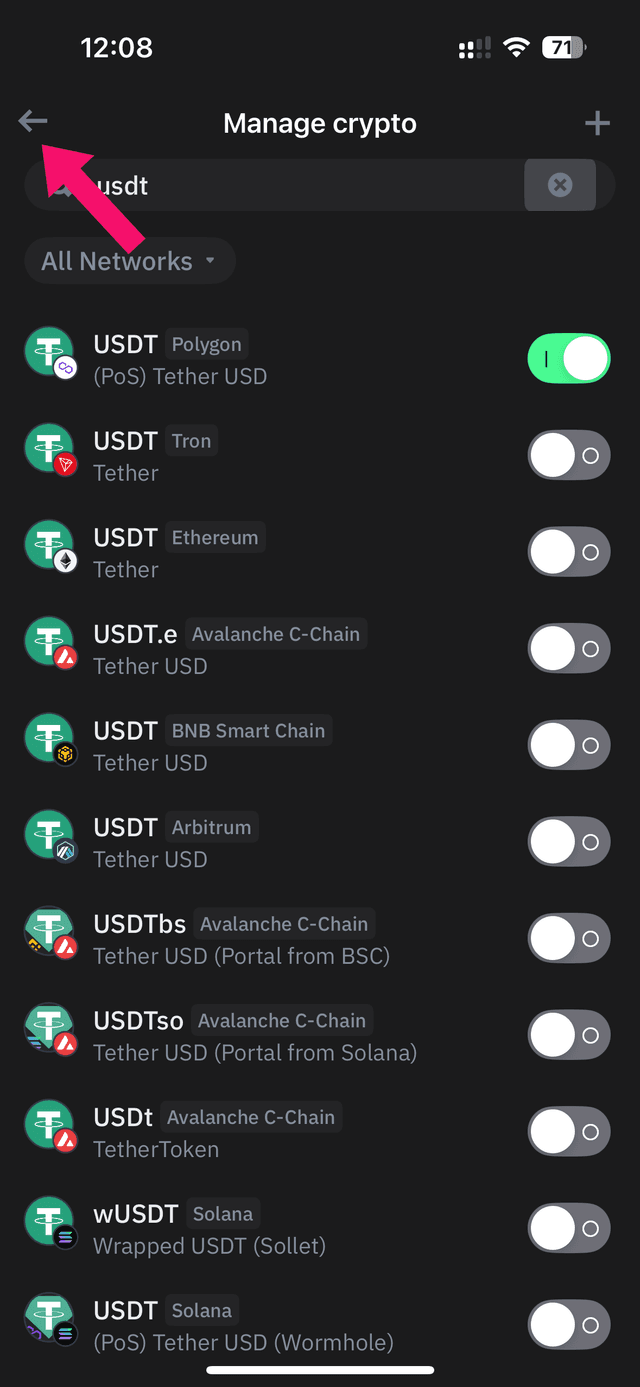
Open your Bitcoin wallet app. This guide shows a generic wallet, but the steps are similar for Exodus, Trust Wallet, Coinbase Wallet, Ledger Live, or any other BTC wallet.
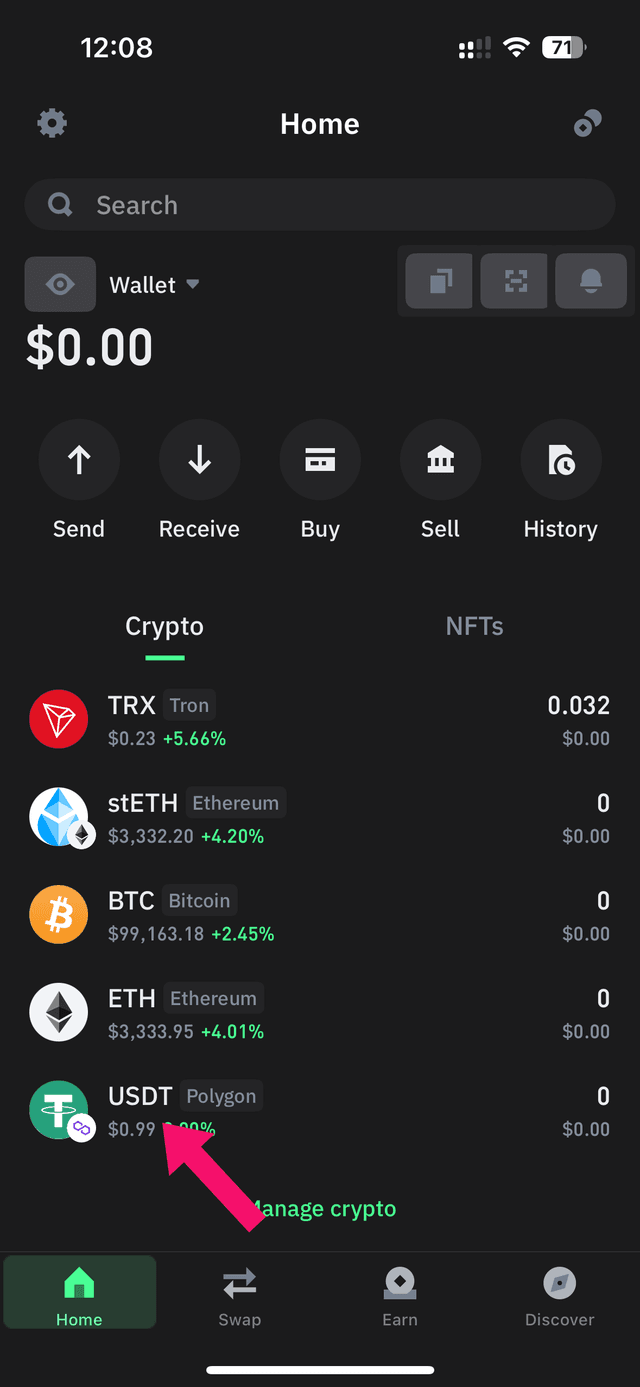
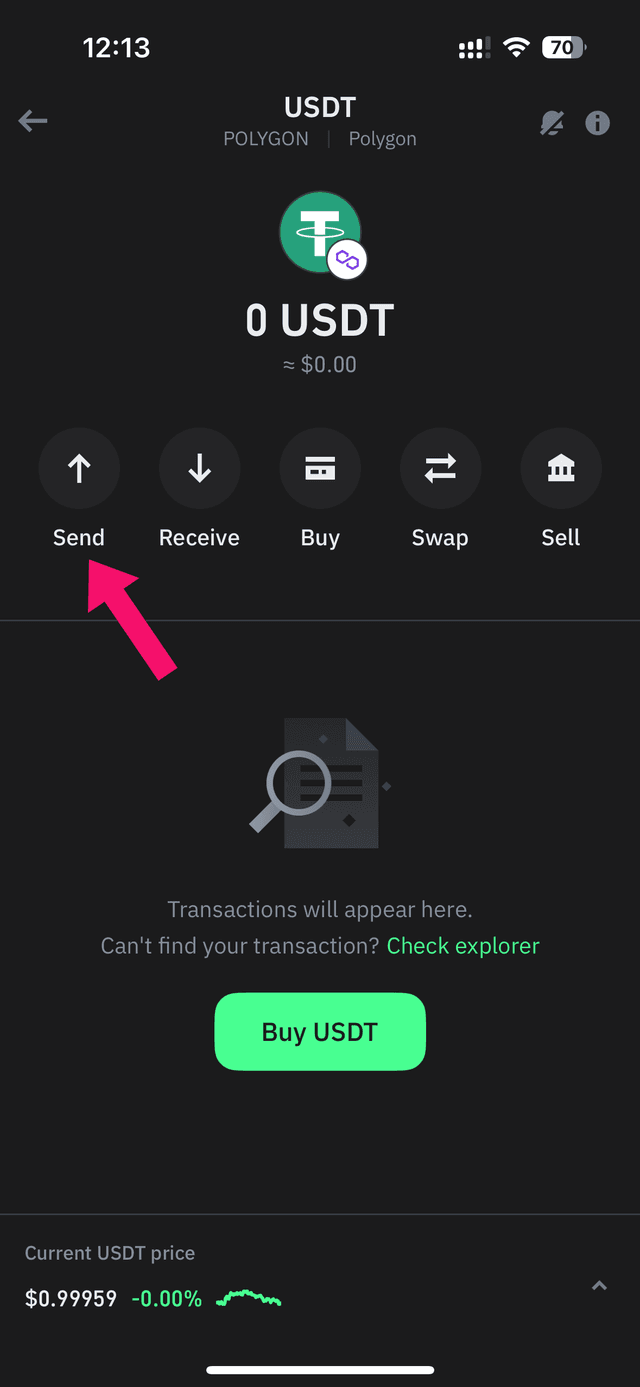
Select Bitcoin and tap Send
Navigate to your Bitcoin (BTC) balance and tap the Send button to start a transfer.
Get the payment address
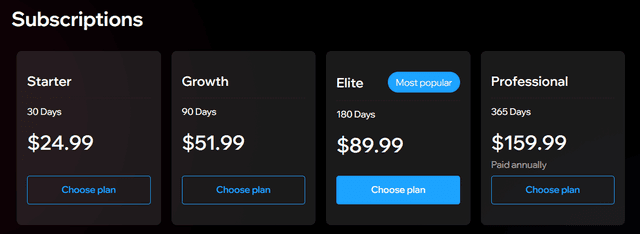
Go to the Apollo subscription page
Log in to Apollo Group TV, go to the subscription page, and click Choose Plan for your preferred package.
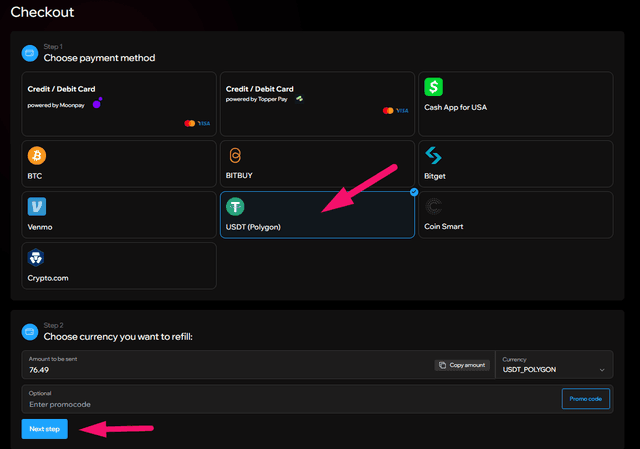
Select your payment method
Choose the BTC payment option and click Next Step.
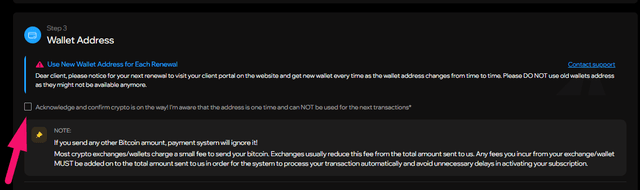
Acknowledge and copy the wallet address
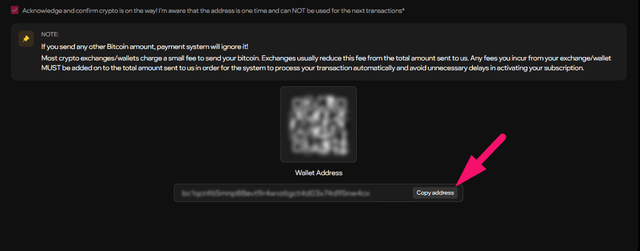
Check the acknowledgment box, then copy the Bitcoin wallet address or scan the QR code with your wallet.
Pro tip: Scanning the QR code is the safest way to avoid address errors.
Note: Each wallet address is one-time use. Do NOT reuse old addresses.
Send and confirm
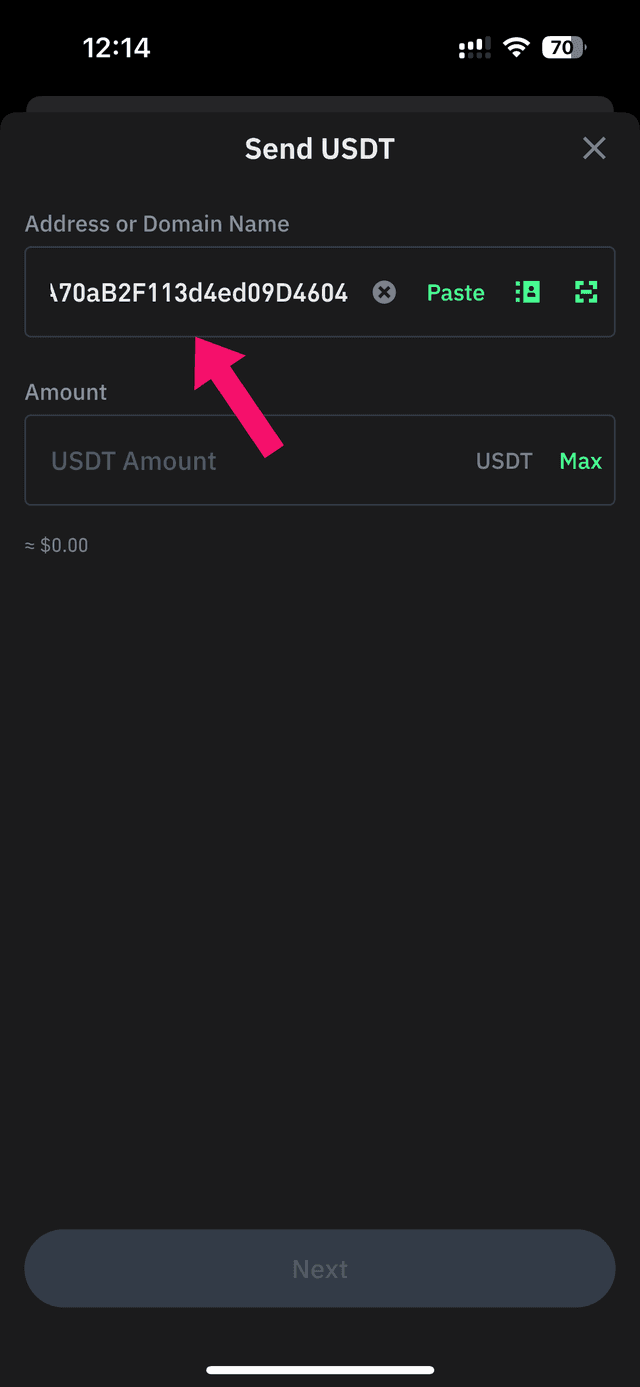
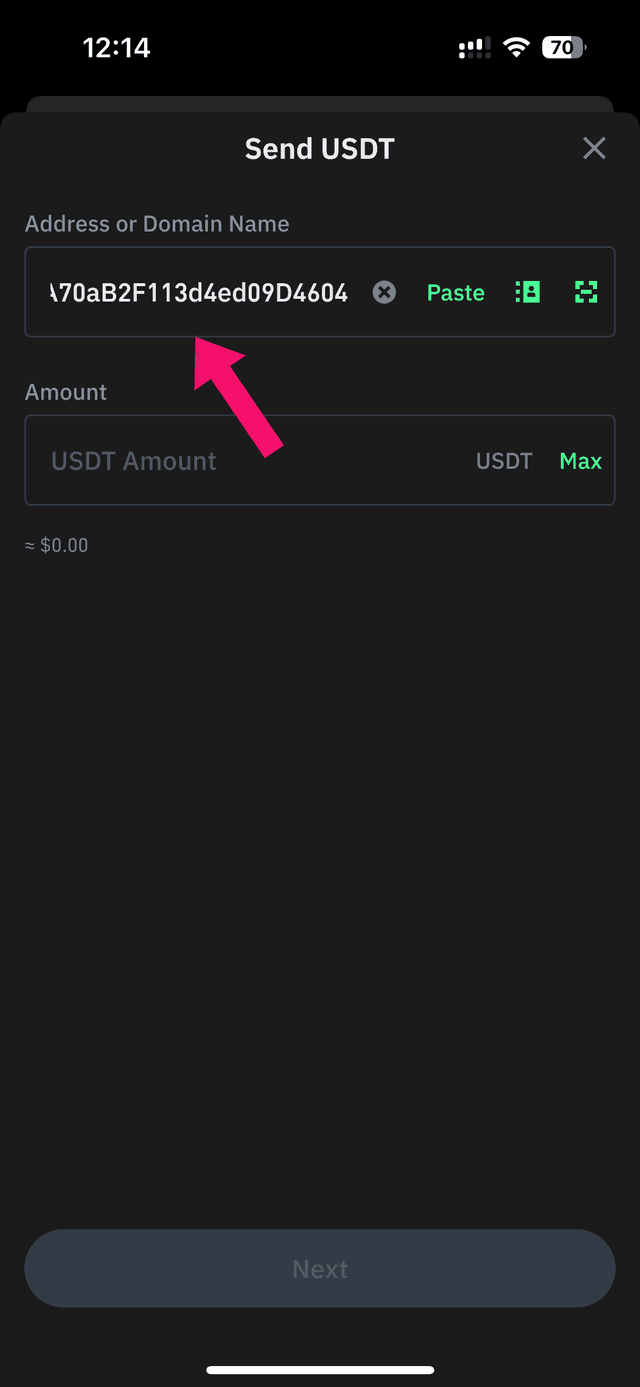
Paste the address in your wallet
Go back to your wallet app and paste the Bitcoin address you copied. If the address is not supported, use the Legacy address option on the Apollo page.
Enter the exact amount
Type the exact Bitcoin amount shown on the payment invoice. Use a medium or high fee for faster confirmation.
Note: Send the exact amount shown. Underpayments require an additional transaction.
Confirm the transaction
Review the recipient address and amount, then confirm and send. Your Apollo Group TV subscription activates once the payment is confirmed.
What happens next?
Lightning payments activate your subscription within seconds. On-chain payments are confirmed within 10–30 minutes. You will receive a confirmation email once active.
Frequently asked questions
Any Bitcoin wallet works — Exodus, Trust Wallet, Electrum, Coinbase Wallet, Ledger, Trezor, Blue Wallet, Muun, and many others. Both on-chain and Lightning payments are supported.
Other payment guides
Ready to subscribe?
Get instant access to 22,000+ live channels, 90,000+ movies and shows, and premium sports content.
Subscribe to Apollo Group TVWant to compare tiers first? See all plans or talk to support.